
|
|
Articles
Automatic Audio Playback Redirection
Window Group Sizing and Dragging — Organize Your Workspace Easily
Get fully functional Recycle Bin on your Taskbar
Windows Logon Screen Background Image Changer
How to Quickly Switch Default Audio Device in Windows
How to find a folder to which Skype saves received files and open it in 2 clicks
How to Get New Windows 10 UI Features in Windows 7/8 with Actual Window Manager 8.3
New Possibilities of Actual Window Manager and Actual Multiple Monitors Version 8.2
Improved Windows 8/8.1 Dual Monitor Taskbar
How to Clone Primary Display to Multiple Monitors with the Help of Actual Multiple Monitors
How to Run Windows Store App in a Window on Desktop
Easy Way to Minimize Windows to the System Tray or to the Desktop
How to Resize a Window to the Desired Size in One Click
New Selector for the Move to Monitor Title Button
Auto-text functionality in Actual Window Manager
Run Multiple Monitor ScreenSaver on Desired Displays Only Automatically or by Pressing the Hotkey
Actual Window Manager Now Supports Multiple Document Interface (MDI) Windows
How to Improve Your Internet Browser with the Help of Actual Window Manager
Improved Mouse Management in Windows 8
Additional Title Buttons on Dual Monitors in Windows 8
Dual Monitor Virtual Desktops in Windows 8
Split the Dual Monitor Desktop in Windows 8
How to Mirror any Window to a Desired Display on Dual Monitors in Windows 8
Dual Monitor Desktop Background Management with Actual Multiple Monitors in Windows 8
How to Create and Use Desktop Profiles for Dual Monitors in Windows 8
Game Play on Dual Monitors with Actual Multiple Monitors Software
Classic Start Menu or Modified Metro Interface in Windows 8 with Actual Multiple Monitors
How to Configure Each Window Individually or Just the Best Window Management for Windows
Desired Software for the Mouse on Multi-Monitor PC
New Opportunities of Actual Window Manager 7.5
How to Creare a Desktop Profile for Multiple Monitor Desktop
How to Set Up an Image Slideshow from Google or Flickr as Desktop Background on Multiple Monitors
Recent Folders & Favorite Folders - New Title Buttons for Convenient Work
How to Set Up Different Screen Savers on Dual Monitors
Meet the New Slideshow Screen Saver for Multiple Monitors
How to Play Diablo 3 on Multiple Monitors: Tips and Tricks
Desktop Divider: Use Cases
Split the Windows Desktop: How to Divide a Single Large Desktop into Multiple Smaller Ones
Multiple Monitors: Wrap the Mouse around the Desktop
Specific Settings - Window no Longer Opens on Wrong Display
Windows 8: Better Alternative to a Native Multi-Monitor Taskbar
Mozilla Firefox and Dual Monitors: No More Problems
Multiple Monitors – Complete Solution for Customer-oriented Activities
Advanced Display Management of Windows 7 in Actual Multiple Monitors
Independent Virtual Desktops on Multiple Monitors
Users of AccountEdge 2013 choose Dual Monitors with Actual Multiple Monitors Software
Dual Monitors for Lawyers: Attorney’s Assistant and Actual Multiple Monitors
Desktop Mirroring - New Feature of Actual Multiple Monitors 3.1
Actual Multiple Monitors as the Best Dual Monitor Software for Lawyers
How to Make Your Desktop More Useful with Actual Window Guard
Actual Window Manager - Great Tool for Windows 7 Users
How to Adjust Each Display of Dual Monitor for Specific Tasks
How to Set Up Dual Monitor Wallpapers Slideshow
Dual Monitor Set Up
The Most Popular Resources to Download Dual Monitor Wallpapers
Microsoft Visual Studio 2010 with Multiple Monitor Software
Windows 7 Dual Monitor Taskbar: How to Extend Windows 7 Taskbar to a Second Monitor
Make the Work with Multiple Displays More Comfortable and Efficient with the Actual Multiple Monitors Software
Minimize Programs Icons from Taskbar to Tray with the Actual Window Minimizer
How to Play StarCraft 2 on Dual Monitors: Tips and Tricks
Dual Monitors: Dual-Monitor Taskbar, Dual-Monitor Task Switcher and Other Multi-Monitor Enhancements
Virtual Desktops: Theory and Practice of Arranging Windows within the Multiple Logical Desktops
Console Windows Tweaks: How to Enhance General Windows Command Prompt Shell with New Abilities
Tweaking skinned Windows Media Player with Actual Window Manager
Enhance Your Favorite ICQ Client with Actual Title Buttons
Organizing Standalone Kiosk Access to Intranet with Actual Window Manager
Actual Window Manager is a must-have tool for users of Remote Desktop/Terminal services
Organize your desktop in a neat way!
How can Actual Window Manager help multi-monitor users?
How to make your computer work faster
Transparency effect: Theory and Practice
How to keep size and position of windows
Optimize Adobe Acrobat Reader by means of new functional buttons
Essential improvement of Microsoft Outlook!
Find the best way to minimize Microsoft Outlook to the system tray
Discover new commands in standard Windows menu
Actual Window Manager and transparent spreadsheets
Optimize Microsoft Word by means of Actual Window Manager!
Mozilla Thunderbird and Actual Window Manager will cope with any task
Improve your Tablet PC software with Actual Window Manager
Actual Window Manager will make your Mozilla Firefox better!
Internet Explorer plus Actual Window Manager is a good choice!
Actual Window Manager Helps Online Traders Work Effectively
Minimize to tray: Minimize to the system tray any program you want!
How to make a window always stay on top with a single click
How to keep size and position of Windows Explorer folders
Find the best way to minimize Outlook Express to the icon in tray
Improve MSN/Windows Messenger with Actual Title Buttons
Improve Yahoo Messenger with Actual Title Buttons
8 ways to minimize any program to tray!
Absolute effect of using any scientific, math and Windows calculators
How to improve your work with any Notepad or Notepad replacement
Optimize Adobe Acrobat Reader by means of new functional buttons
Resize windows: Simplify your web construction with Resize Window
New ways to work with Windows Media Player
How to save your data from unexpected loss
Make Winamp and Winamp skins transparent
Transparent Taskbar is the Best Taskbar Skin!
Minimize windows when they start
Maximize windows when they start
Minimize Eudora e-mail client into system tray
Enhance your Incredimail letters with Actual Title Buttons
Add 'Minimize To Tray' feature to your favorite offline browser
How to keep system dialogs Always-on-Top
Use Actual Window Manager to hide SSH tunnels to system tray
Windows tweaks by Actual Tools
Actual Window Manager helps online stock and day traders work effectively
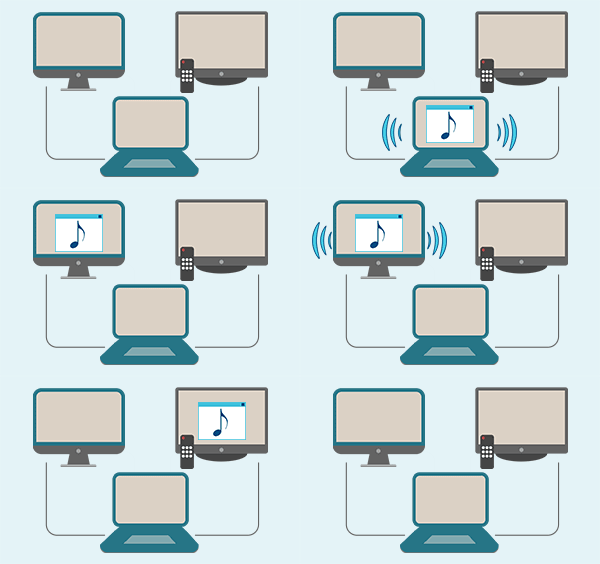 |
By default Windows can't handle the simple and obvious scenario: dragging a multimedia app to a display/monitor with its own speakers does not automatically switch audio playback to those speakers. Here we offer a simple solution. |
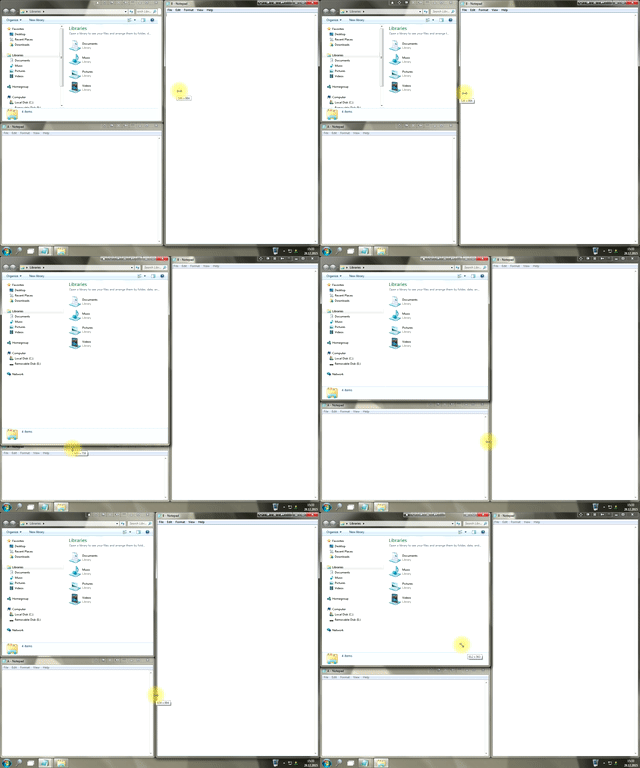 |
In the desire to own large screens with a high resolution, we buy 4K monitors, connect televisions and projectors to computers, and assemble multi-monitor systems, but we face the problem of effective use of the new display space. Using Actual Multiple Monitors you can solve this problem in a jiffy. |
 |
Lear about how to put a fully functional Recycle Bin on your taskbar |
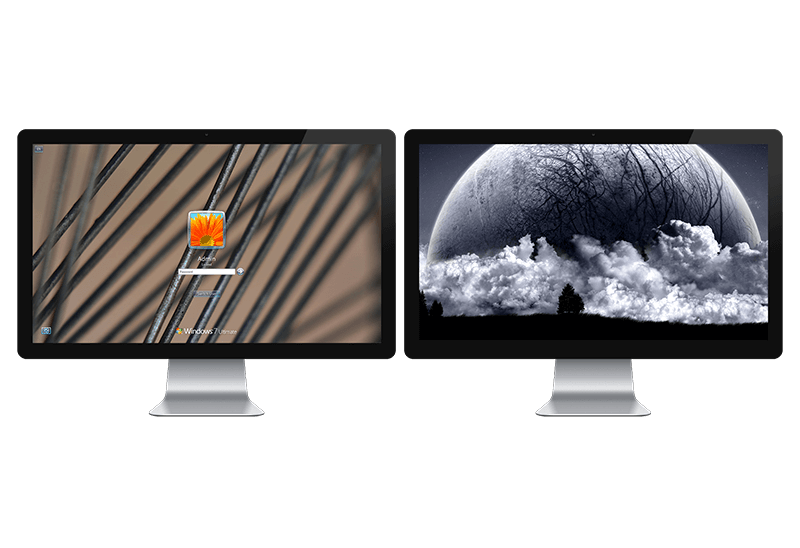 |
| Learn about how to change Logon Screen Background Images on all your monitors. |
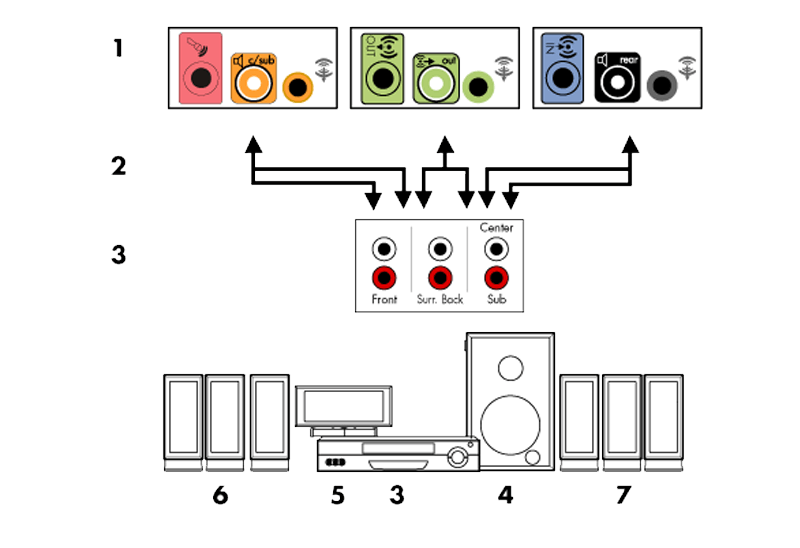 |
Learn how to switch default audio device in one click by using Actual Window Manager or Actual Multiple Monitors. |
 |
| With the latest updates, Skype no longer prompts the user to save a file somewhere, but immediately saves all files to a specially designated folder, and finding the folder to move files fr om it to another directory, or open them with an application other than that set by default, is sometimes a difficult task.
We are present you the perfect solution to this problem
|
 |
| Wanna new Windows 10 features in Windows 7/8? You can get them without upgrading, just use Actual Window Manager 8.3. |
 |
| The new version of Actual Window Manager and Actual Multiple Monitors provides long-awaited features - Windows 10 support, Quick Setup Wizard, Compact View for Additional Title Buttons, etc. |
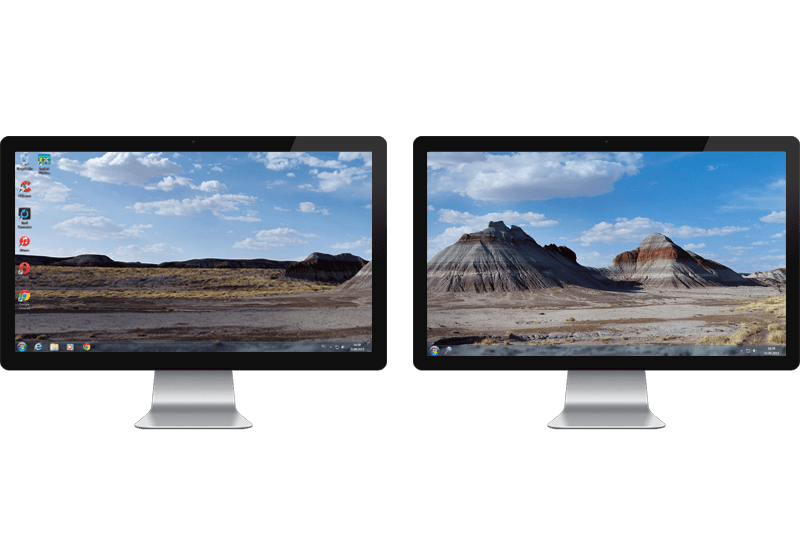 |
| Multiple monitor support in Windows 8.1 contains only several new features, including a limited multi-monitor taskbar. This is not enough to make work with several displays convenient. That is why Actual Multiple Monitors provides a large set of different tools improving multiple-monitors environment. This is a best alternative to the native Windows 8.1 multiple monitor support. |
 |
| The multi-monitor cloning issue is finally resolved: Actual Multiple Monitors lets you clone a primary display to an arbitrary number of secondary monitors. |
 |
| New feature in Actual Multiple Monitors transforms Modern/Metro apps to conventional resizable windows on user’s desktop. |
 |
| Actual Window Manager provides an additional title button to minimize any window to the system tray in one click. |
 |
| Actual Window Manager provides an additional title button, which allows you resize a window to desired size in one click. |
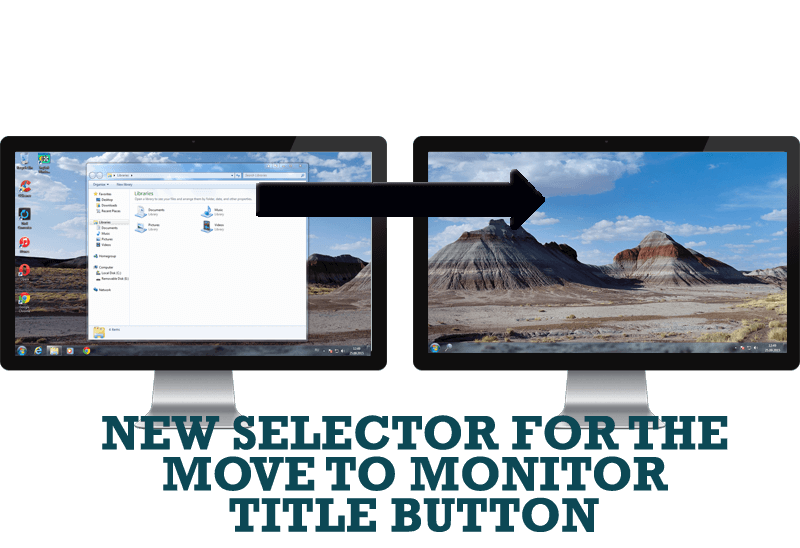 |
| Move a window to the desired position of multiple monitors in one click by the improved Move to Monitor selector. |
 |
| Performing routine actions is much easier now. Actual Window Manager provides the Clipboard Templates feature. |
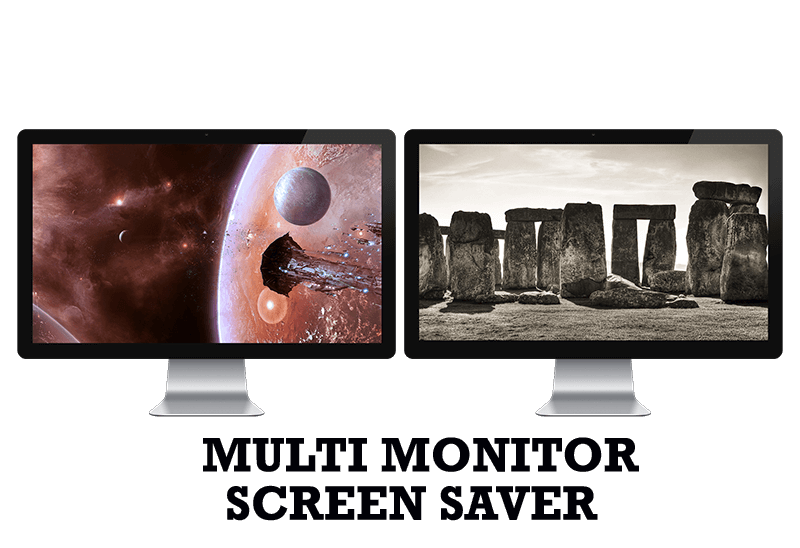 |
| Do you still turn off unused monitors manually? Use the new feature of Actual Multiple Monitors to run screensavers on unused displays automatically or by the hotkey combination. |
 |
| Now, you can apply most Actual Window Manager features to any MDI windows. |
 |
| Actual Window Manager allow you to improve your Internet browser by many useful features for convenient work. |
 |
| Actual Window Manager allows you to improve the mouse management in Windows 8 using many additional features. |
 |
| To help you manage dual monitors in Windows 8, Actual Window Manager provides additional title buttons. |
 |
| If you lack of the desktop space, but you have not the opportunity to use more than dual monitors, use Virtual Desktops tools provided by Actual Window Manager. |
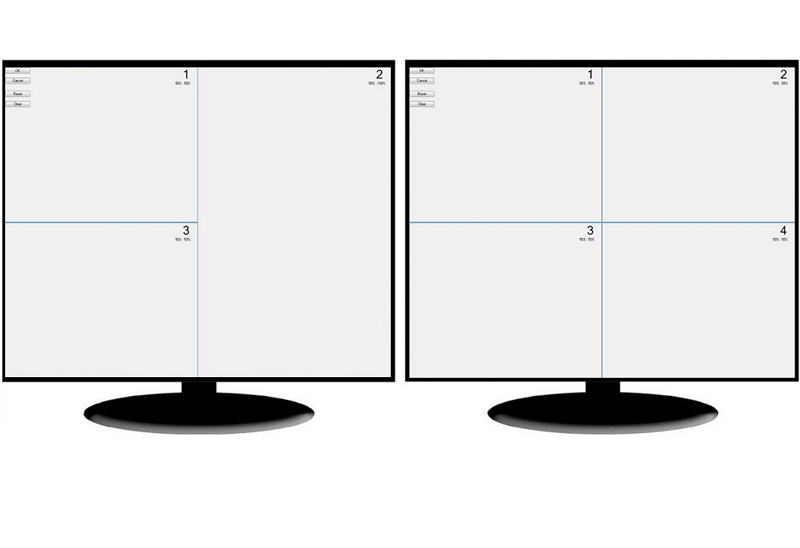 |
| There is a feature, which allows you to split the dual monitor desktop of Windows 8 to several non-intersecting areas for placing windows. This feature called "Desktop Divider". |
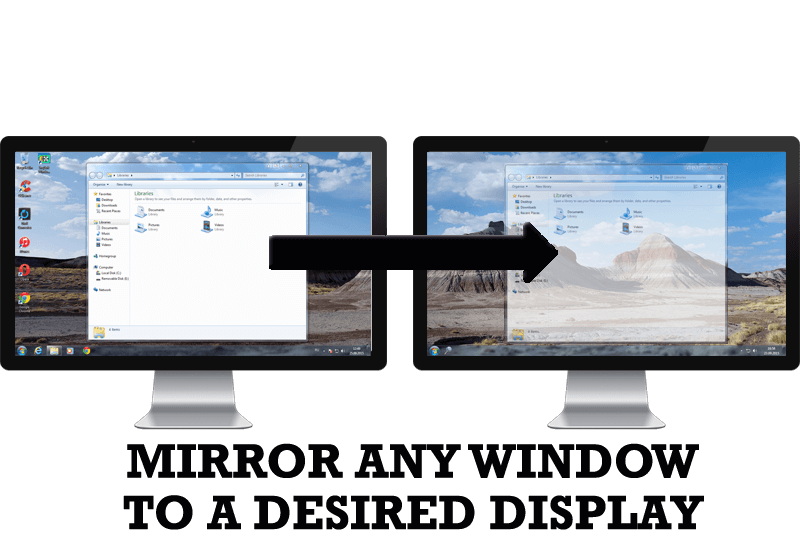 |
| Desktop Mirroring - additional feature for dual monitors in Windows 8. Mirror any window, application, monitor, or area in the special window on any display. |
|
| How to set the slideshow from Internet sources as the dual monitor desktop background in Windows 8? Read the following article. |
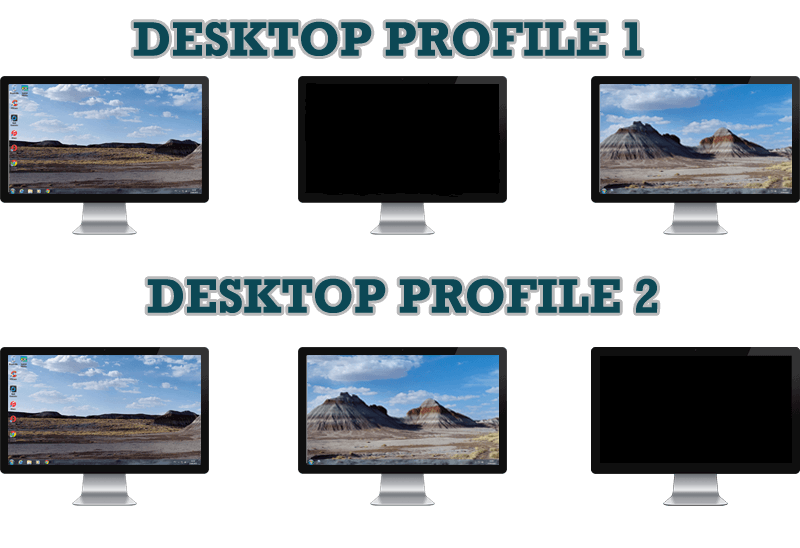 |
| Learn how to improve your desktop environment with Actual Multiple Monitors in Windows 8. |
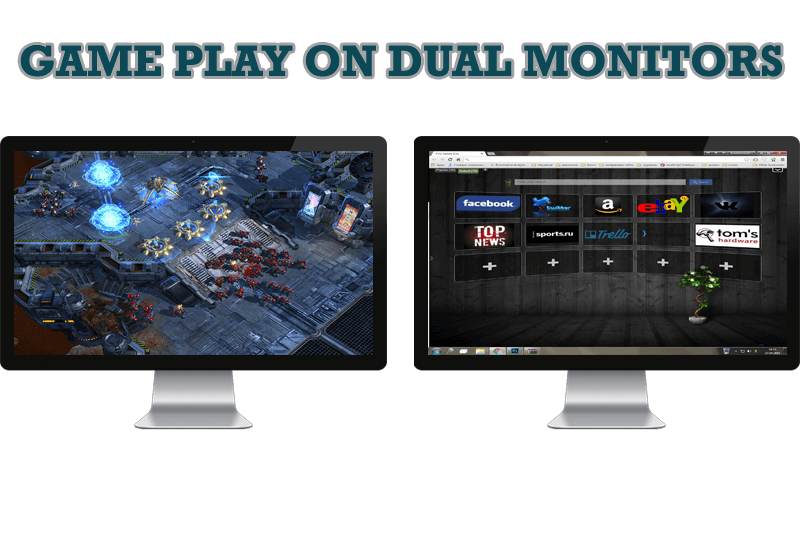 |
| Learn how Actual Multiple Monitors software may help you to play games on dual monitors. |
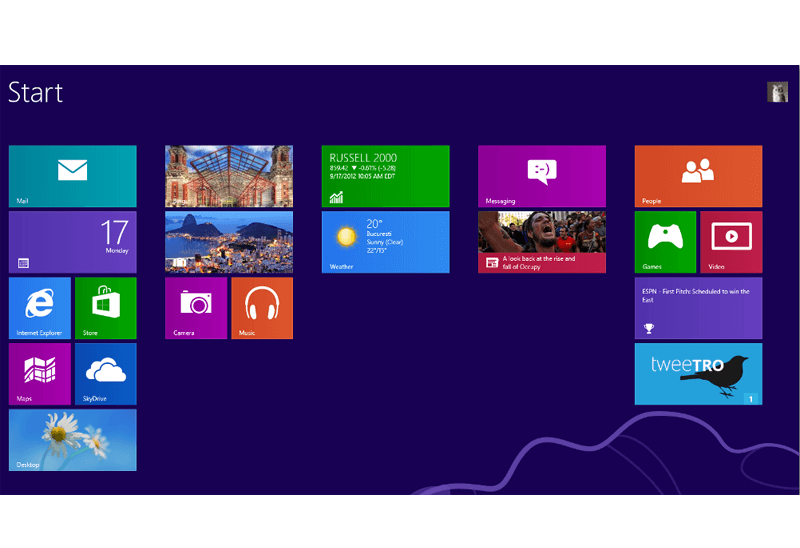 |
| New features for improving Windows 8 Metro Start Menu already in Actual Multiple Monitors. |
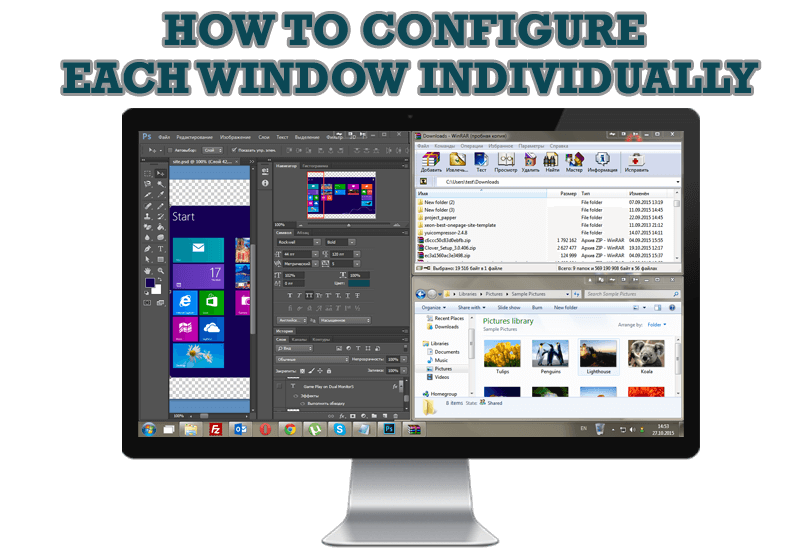 |
| Actual Window Manager offers you to configure each window as you wish with help of many useful features. |
 |
| Actual Multiple Monitors offers many useful features for the mouse on multiple monitors PC. |
|
| The new version of Actual Window Manager has been released. And this version offers a few new features. |
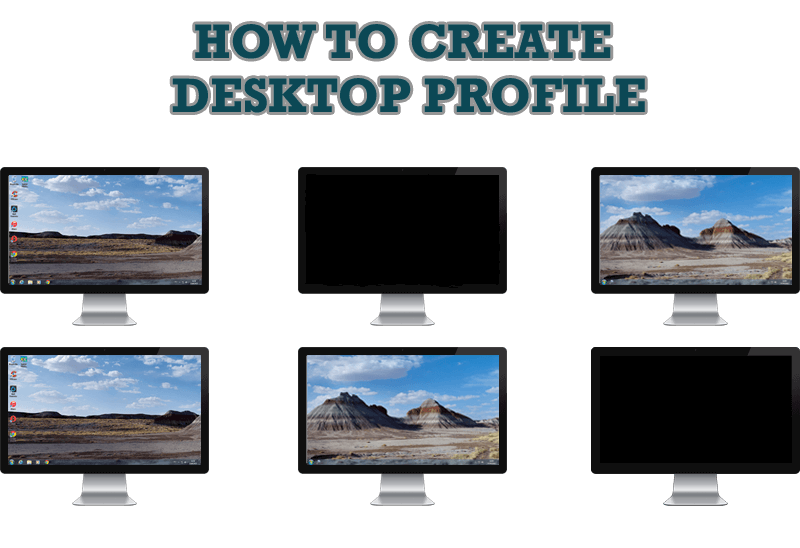 |
| Learn how to create a desktop profile for multiple monitor desktop for quick switching between settings. |
 |
| Learn how to set up an image slideshow from web sources as desktop background on one or several displays. |
 |
| In the new version of Actual Window Manager you're got the opportunity of using two new title buttons - Recent Folders and Favorite Folders. These buttons will make your work more convenient. |
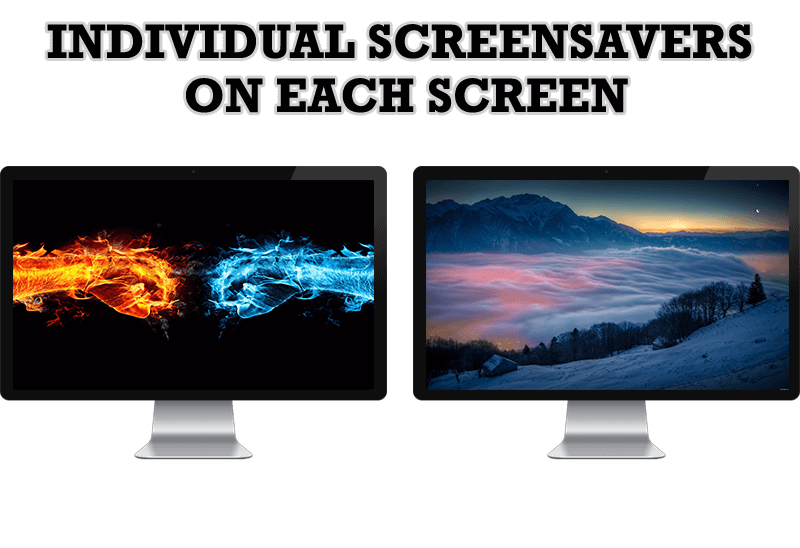 |
| If you want to set up different screen saver to each monitor, or one screen saver over entire desktop of your multiple monitor system, just read this little manual. |
 |
| Actual Tools released the new slideshow screen saver for Actual Multiple Monitors and Actual Window Manager. This screen saver, in contrast to the default one, allows setting its own slideshow for each monitor. |
 |
| How to prevent the unwanted minimization of the full-screen game? How to lock mouse in the game window? If you want to play Diablo 3 on multiple monitors, read this little article. |
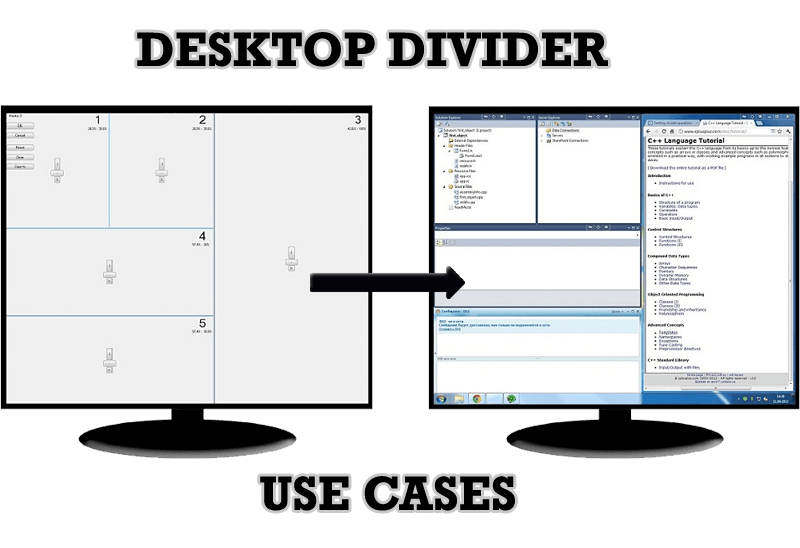 |
| Desktop Divider is the new feature of Actual Window Manager and Actual Multiple Monitors. Here you can find some interesting examples of when this feature can be really useful. |
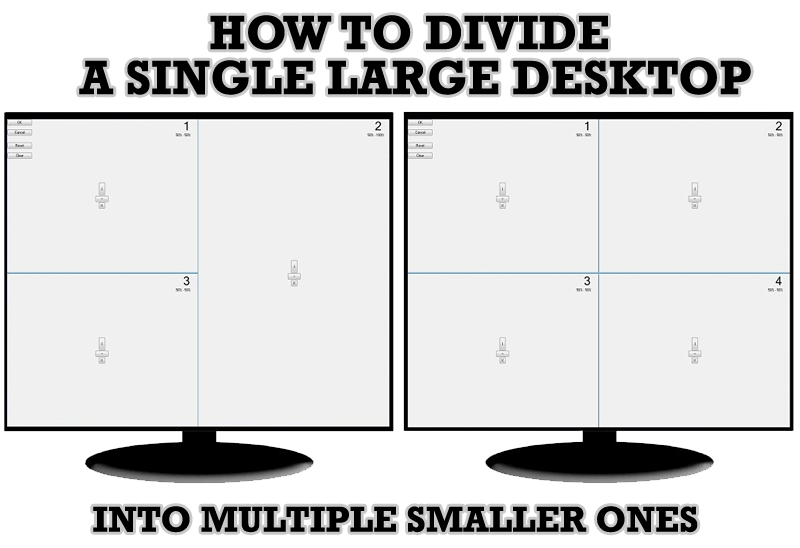 |
| Learn how to split the desktop (either single- or multi-monitor) into multiple non-intersecting areas for better windows allocation. |
 |
| Remove the desktop boundaries with Actual Multiple Monitors. |
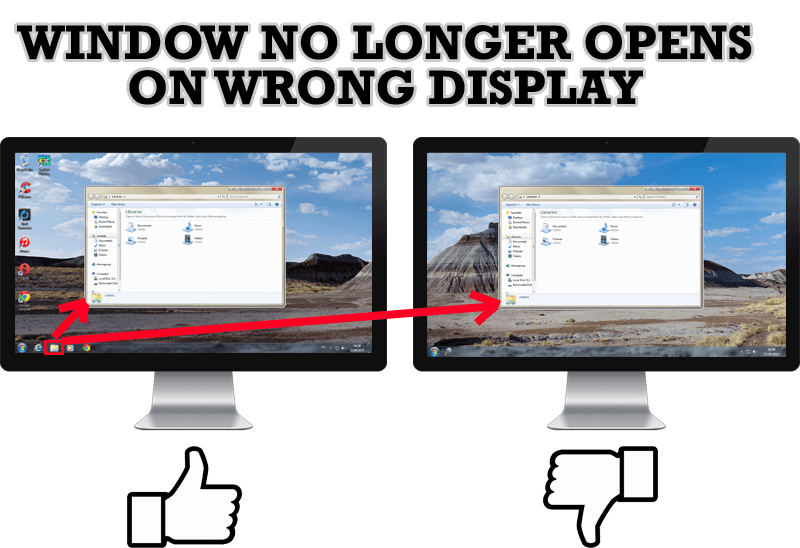 |
| Create specific settings for a window - and it will no longer open on a wrong monitor. |
 |
| Comparison of Windows 8 native multi-monitor taskbar with the alternative provided by Actual Multiple Monitors. |
 |
| Have problems with Firefox on dual monitors? Actual Multiple Monitors will help to solve it. |
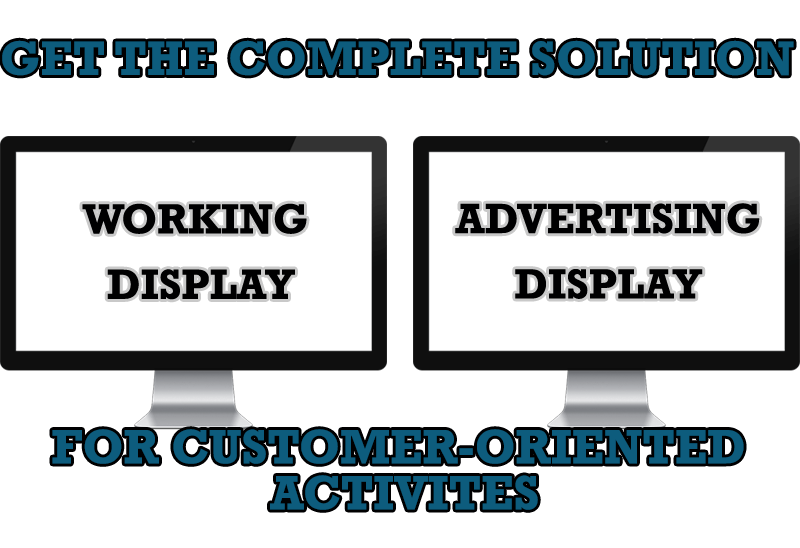 |
| Use Multiple Monitors and Actual Window Manager software to solve problems in working with clients. |
 |
| Now users can use advanced display management (display orientation, clone this monitor, etc.)in Actual Multiple Monitors. |
 |
| Learn how to create and manage virtual desktops independently on each monitor in a multiple display environment. |
 |
| Actual Multiple Monitors as the Best Dual Monitor Software for accountants. How Actual Multiple Monitors can help users of AccountEdge 2013 on dual monitors? |
 |
| Learn more about the combination of dual monitors with lawyers software and Actual Multiple Monitors. |
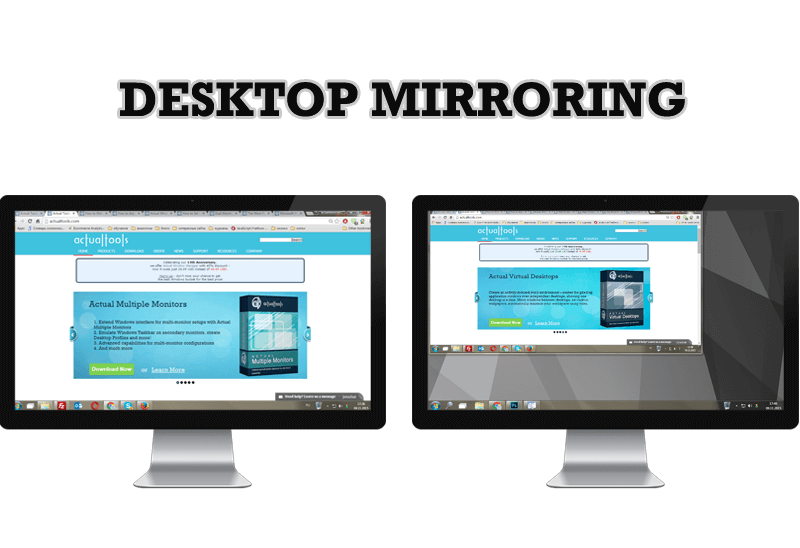 |
| Know more about new feature of the best multiple monitor software Actual Multiple Monitors 3.1 - Desktop Mirroring. |
|
| Advantages of using the best dual monitor software - Actual Multiple Monitors for lawyers. |
 |
| Best software to get full control of startup windows. |
 |
| Actual Window Manager 6.3 - the best tool to improving functionality of your Windows OS. |
 |
| In this article you'll learn one of the most popular configuration for dual monitors. |
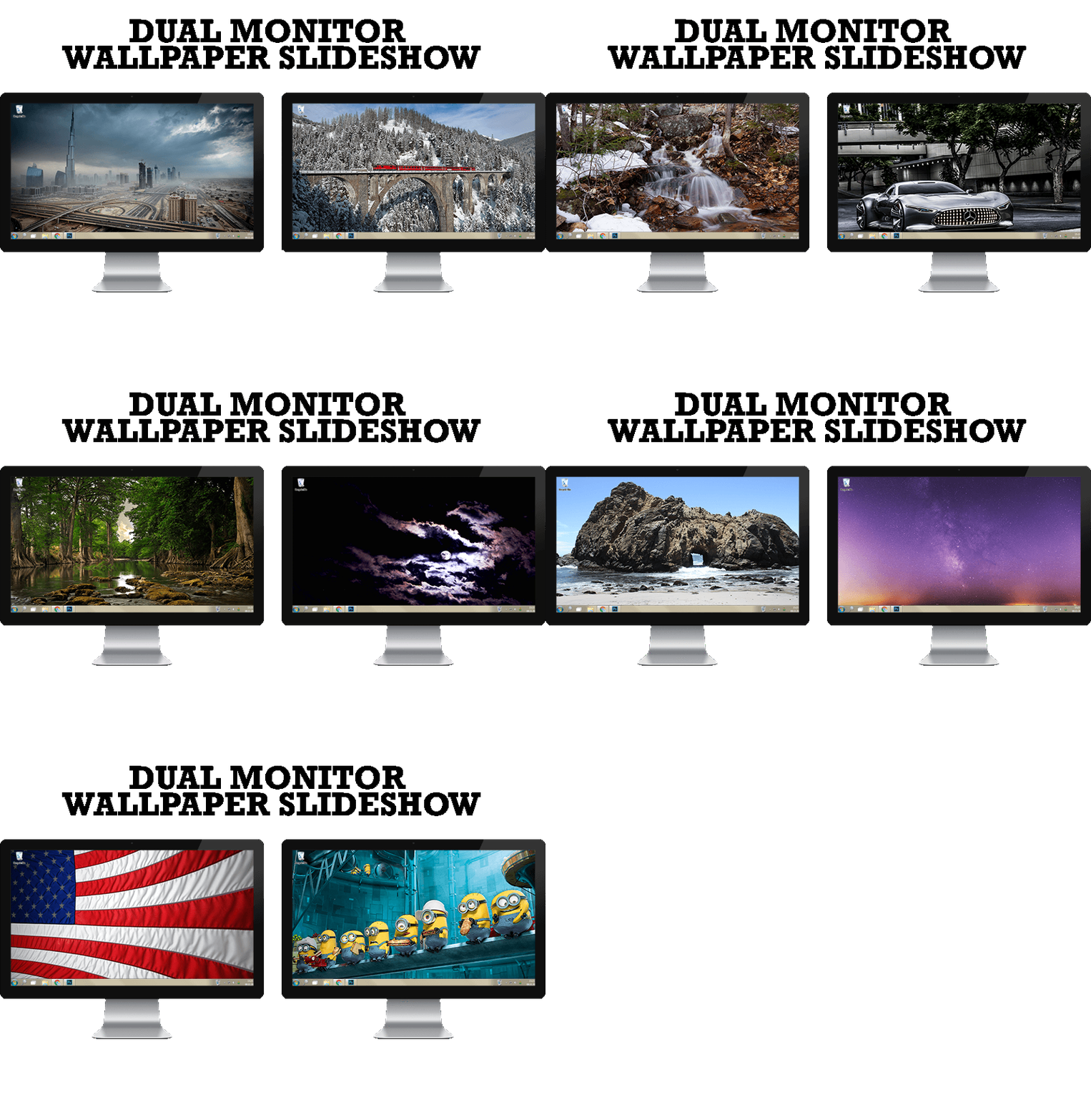 |
| Step by step guide to installing a slideshow mode on dual monitor. |
 |
| How to Setup Dual Monitor. |
 |
| Use this article to find cool dual screen wallpapers and personalize your dual monitor desktop. |
 |
| Advantages of using Visual Studio 2010 in combination with Actual Multiple Monitors. |
|
| Get the fully featured Windows 7 Taskbar on a second monitor with Actual Multiple Monitors. |
 |
| Play games or watch fullscreen video on one display and do anything else on other display at the same time with the Actual Multiple Monitors software. |
|
| Use Actual Window Minimizer to save the taskbar and system tray clean when working with a large amount of windows. |
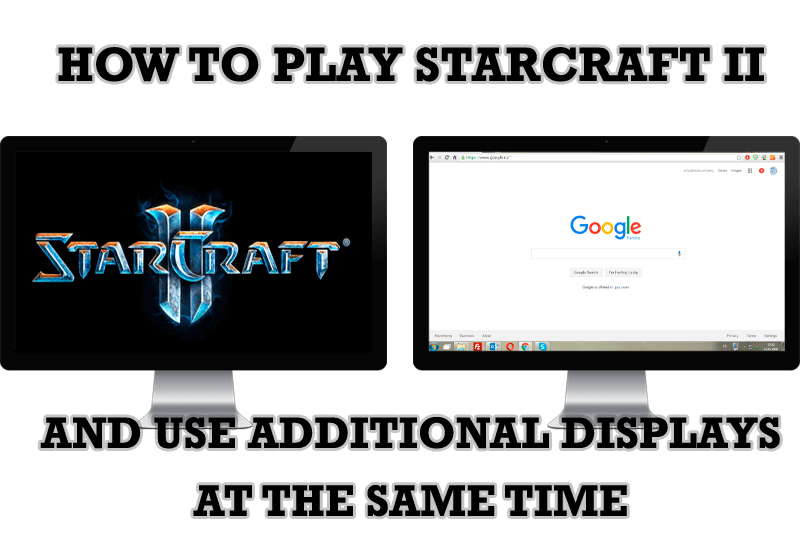 |
| Get a better control on StarCraft 2 in a multiple displays environment with Actual Multiple Monitors. |
|
| Actual Multiple Monitors will help you fix the drawbacks in Windows GUI when working with a dual-monitor system. |
|
| The well-known time-proved approach to window organization is finally available in Actual Tools. |
|
| Learn how to apply advanced Actual Tools features to console windows (such as general Windows Command Prompt shell). |
|
| Learn how to apply advanced Actual Tools features to skinned Windows Media Player window that has no title bar (and, thus, there are no extra Actual Tools buttons). |
|
| Find out new interesting ways to improve your ICQ instant messaging experience. |
|
| Actual Window Manager will help you overcome the complications associated with the Intranet kiosk access. |
|
| Now unwanted effects can be completely solved or, at least, significantly diminished by Actual Window Manager. |
|
| Split your desktop into well-defined areas to keep your windows in a strict order. |
|
| Get the full power of your multi-monitor configuration with Actual Tools! |
|
| Adjust finely the priority of your programs with Actual Tools software. |
|
| Actual Window Manager can be used to solve many problems and is really multifunctional, but in this article we will enlighten one very interesting and convenient feature |
|
| If you often use such folders as My Computer, My Documents, My Network Places etc. and want to open them where you indicate - our Actual Window Manager program is made for you! |
|
| Such innovative functions as Make Transparent, Stay Always-on-Top, Minimize to Tray, Roll Up etc. will make your work with Adobe Acrobat Reader much easier and more productive. |
|
| Microsoft Outlook is the most famous e-mail client all over the world and millions of people use it every day at home and in their offices. But despite of these facts we can improve our Microsoft Outlook! |
|
| When a user works with several applications simultaneously, his/her taskbar is cluttered with windows and it is rather difficult to find a necessary one. Actual Window Minimizer can solve this problem by minimizing Microsoft Outlook windows either to the system tray or to any place on your screen in order to save some precious space in the taskbar. |
|
| Standard Windows system menu is rather convenient and easy to get to (right mouse button click on window title bar), but sometimes it is not enough. |
|
| Actual Window Manager can be used to solve many problems and is really multifunctional, but recently we have received a letter from one of our users with the certain problem. So, here it is: working with Microsoft Excel worksheets he wants to put an image under the spreadsheet list and make a picture of the screen. |
|
| Actual Window Manager presents a great variety of functions for working in Microsoft Word. By using them, you will be able to decrease the time you usually waste on switching between windows of different documents, keep your desktop in order and work much quicker. |
|
| Sometimes we need to solve not ordinary tasks when working on computers. So, what shall we do? The most obvious answer is to find a program which will make your Mozilla Thunderbird suitable for any task. |
 |
| Actual Window Manager can increase Tablet PC productivity and consequently increase yours! |
|
| As you know, Mozilla Firefox is a very convenient Web-browser. Though, like any other creation of the humanity it is not perfect. The most obvious answer is to find a program which will make your browser convenient and your work comfortable and simple. |
|
| Actual Window Manager will make your work with Internet Explorer and other applications extremely simple and convenient. |
|
| Actual Window Manager Helps Online Traders Work Effectively |
|
| How to minimize any program to the tray! |
|
| The Stay Always-on-Top feature brings the window to the top of the desktop and doesn't allow other windows to hide it. |
|
| You can set a position and a size of any folder's window. Like a genie, Actual Window Manager will remember your wish and carry out it properly. Now when you click My Computer or My Documents you'll be sure where exactly the window will appear. |
|
| Just one click on Minimize To Tray title button and Outlook Express is minimized to the system tray. Just another click on tray icon and Outlook Express is restored and is ready to use again! |
|
| New title buttons can help you vastly improve your work with MSN/Windows Messenger! Using Actual Title Buttons you will be able to add new Minimize Alternatively, Stay Always-on-Top, Make Transparent, Roll Up and other title buttons to MSN/Windows Messenger windows . |
|
| Enhance your work with Yahoo Messenger with the help of Actual Title Buttons. Now you can add a whole bag full of new nifty buttons that will make Yahoo Messenger more convenient, stylish and pleasurable to work with. |
|
| Minimizing programs to system tray lets you save space in the taskbar while providing easy access to running applications (via the tray icon). The Minimize Alternatively option can be useful for email clients, text editors and so on. |
|
| No matter if you use standard Microsoft Windows Calculator, scientific or a math one, Actual Window Manager will be an excellent helper in simplifying your work. |
|
| Independently on the fact if you use standard Windows Notepad or some other Notepad replacement programs, you can significantly improve them by adding new functions of our product Actual Title Buttons. |
|
| Such innovative functions as Make Transparent, Stay Always-on-Top, Minimize to Tray etc. will make your work with Adobe Acrobat Reader much easier and more productive. |
|
| The Resize Window control will help you resize any window in a flash: Right click on it and you will access the drop-down list of window sizes including 640x480, 800x600, 1024x768, 100%x100%, 50%x50%, 0%x100%, etc. |
|
| Do you like to use Windows Media Player for listening to music and watching video? Great! Actual Title Buttons offers helpful new ways to make your use of Windows Media Player easier and more fun! |
|
| Internet Explorer, Outlook Express, MSDN, Windows Media Player, Windows Explorer and Windows Messenger conversation programs won't help you restore the necessary material. What to do? - You ask. We answer - use our Actual Window Guard program. |
 |
| Make the basic Winamp skin or any of the optional Winamp skins semi-transparent . |
 |
| If you have decorative wallpaper, or attractive desktop colors, Actual Transparent Window lets them through to keep your desktop work area beautiful! |
 |
| Automatically minimize Internet Explorer, Outlook Express or any other window upon opening! |
 |
| Automatically maximize Internet Explorer, Outlook Express or any other window upon opening! |
 |
| Eudora is one of the well known and oldest e-mail clients. You can minimize Eudora into system tray or force it to stay on top of other windows with a single mouse click with Actual Title Buttons. |
 |
| IncrediMail is an advanced, feature-rich email program and by using our Actual Title Buttons program you can make Incredimail an even more premium experience by adding a whole bag full of delightful new features to it! |
 |
| If you usually switch to another application and work with it, while the offline browser is doing its job, it may be very convenient to minimize the program to the system tray or to any place of your screen and save taskbar space. |
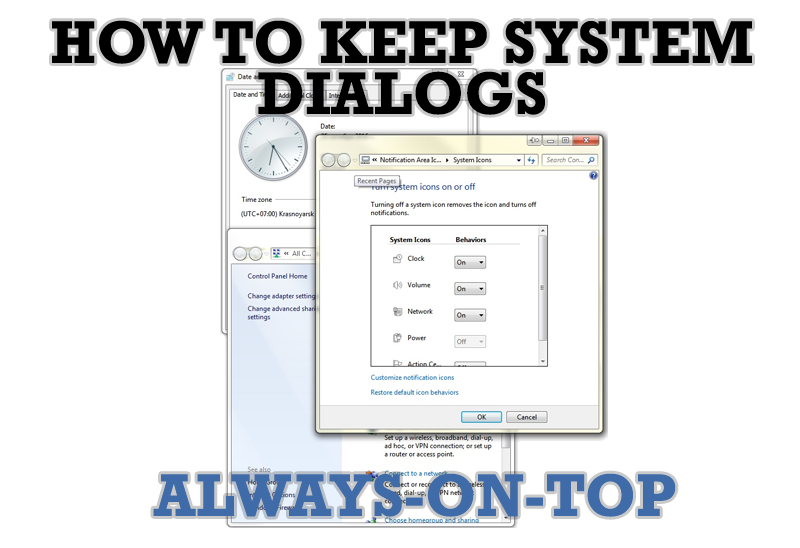 |
| This article describes how you can stay on top any system dialogs such as 'Add/Remove Programs', 'System Properties', 'Time/Date Properties' and doesn't allow other windows to hide it partially or completely. |
 |
| If you use SSH tunnels to allow access through a firewall, or just to encrypt your communication, you might get sick of the proliferation of tasks littering your bar. It is very easy, however, to use Actual Window Manager to automatically clear these up. |
 |
| There are unlimited ways to use Actual Tools programs for tweaking your Windows Operating System. |
 |
| If you work with 8-10 applications, you are most likely to feel tired after an hour or two... This program is a complete solution for those who multitask in multiple applications simultaneously. |
