
|
|
Articles
Specific Settings - Window no Longer Opens on Wrong Display
1. Introduction
There is ability of creation specific rules (exclusions) for any window \ application in Actual Multiple Monitors. This feature allows avoid bugs and conflicts of software when working with Actual Multiple Monitors. With help of these rules you can set specified monitor where any window will run.
2. Example of a rule creation
Look how to create a rule step by step:
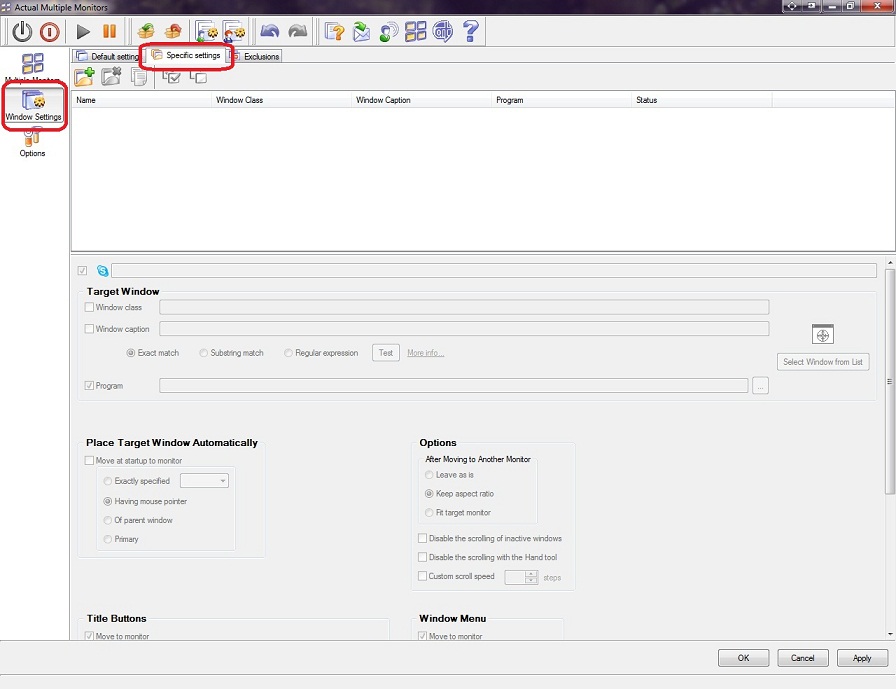
- Open Actual Multiple Monitors configuration, select point ‘Window Settings’ and tab ‘Specific settings’.
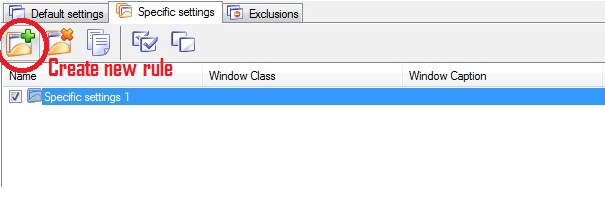
- Create new rule.
- Rename the rule and appoint an application (or window).
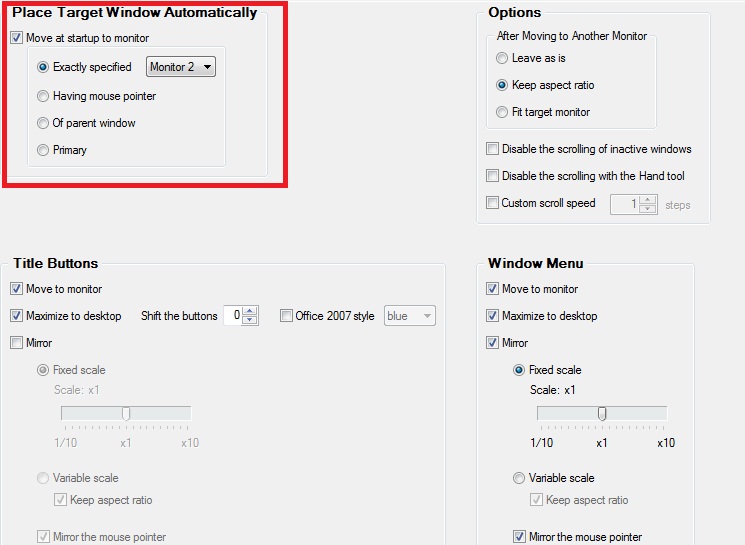
- Next, set necessary parameters for moving windows at start up: Place Target Window Automatically to -> Exactly specified Monitor #

3. Conclusion
It is very easy to create rules for applications, which often are using. For example, you can create rules for each instruments window of Visual Studion individually. Thus the coding window will be run on the primary monitor and all instruments windows will be run on secondary monitor.






Essential improvement of Microsoft Outlook!
Microsoft Outlook is the most famous e-mail client all over the world and millions of people use it every day at home and in their offices. But despite of these facts we can improve our Microsoft Outlook!
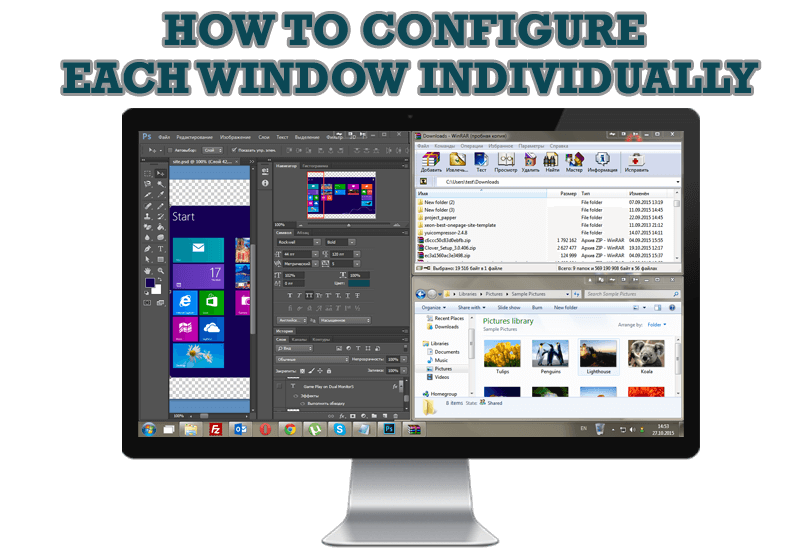
How to Configure Each Window Individually or Just the Best Window Management for Windows
Actual Window Manager offers you to configure each window as you wish with help of many useful features.

Multiple Monitors – Complete Solution for Customer-oriented Activities
Use Multiple Monitors and Actual Window Manager software to solve problems in working with clients.
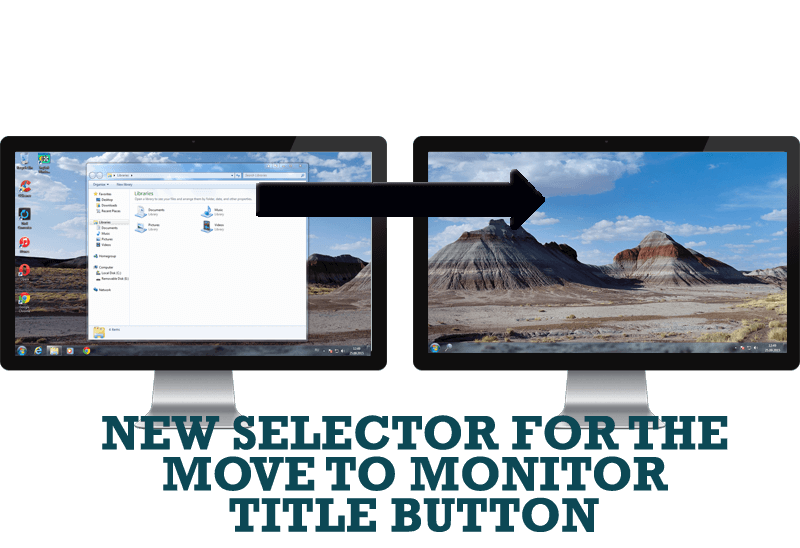
New Selector for the Move to Monitor Title Button
Move a window to the desired position of multiple monitors in one click by the improved Move to Monitor selector.
How to Improve Your Internet Browser with the Help of Actual Window Manager
Actual Window Manager allow you to improve your Internet browser by many useful features for convenient work.
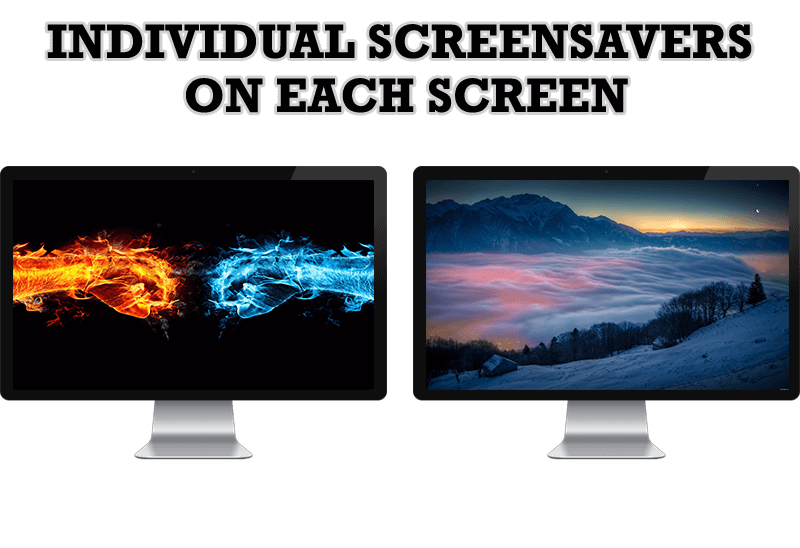
How to Set Up Different Screen Savers on Dual Monitors
If you want to set up different screen saver to each monitor, or one screen saver over entire desktop of your multiple monitor system, just read this little manual.

How to Set Up an Image Slideshow from Google or Flickr as Desktop Background on Multiple Monitors
Learn how to set up an image slideshow from web sources as desktop background on one or several displays.
-
Actual Window Manager and transparent spreadsheets
Actual Window Manager can be used to solve many problems and is really multifunctional, but recently we have received a letter from one of our users with the certain problem. So, here it is: working with Microsoft Excel worksheets he wants to put an image under the spreadsheet list and make a picture of the screen.
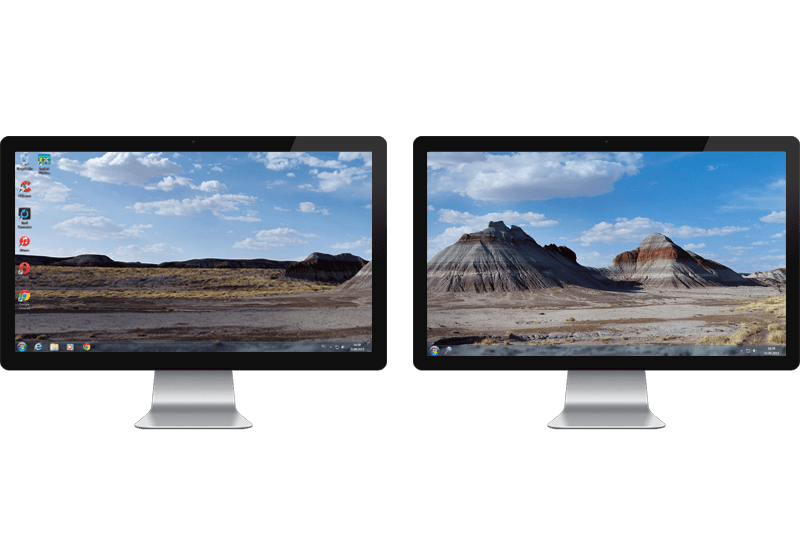
Windows 7 Dual Monitor Taskbar: How to Extend Windows 7 Taskbar to a Second Monitor
Get the fully featured Windows 7 Taskbar on a second monitor with Actual Multiple Monitors.
-
Dual Monitors: Dual-Monitor Taskbar, Dual-Monitor Task Switcher and Other Multi-Monitor Enhancements
Actual Multiple Monitors will help you fix the drawbacks in Windows GUI when working with a dual-monitor system.
