
|
|
Articles
Microsoft Visual Studio 2010 with Multiple Monitor Software
1. Introduction
Today multi-monitor systems surprise nobody and nearer the day when every user will have at home two monitors minimum. Understanding these trends developers are beginning to adapt their products to future changes. For instance, Microsoft had already released Visual Studio 2010, which supports multi-monitor systems.
2. Multiple Monitors Support in Visual Studio 2010
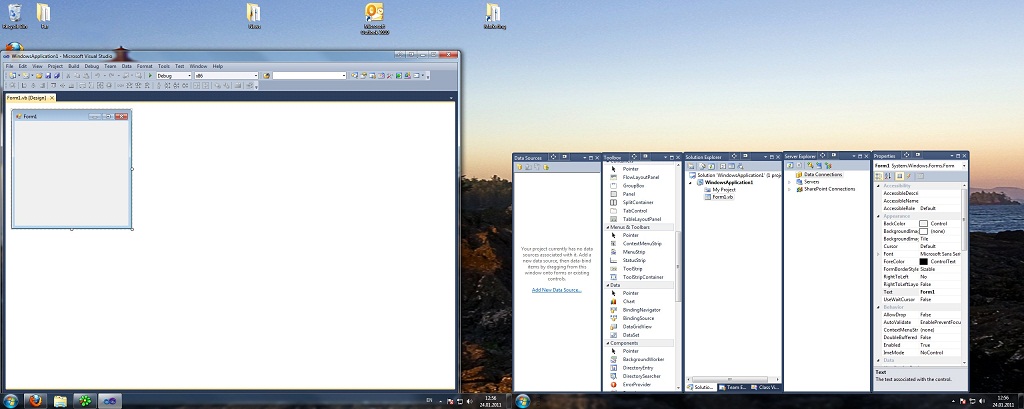
Visual Studio 2008 disposed all windows (documents, files, design) in one main window. It makes impossible to sort these interface elements to secondary monitors. However, Microsoft Corporation in Visual Studio 2010 gives us the ability to disjoint the designer/document/editor/etc. windows fr om the main window and put them on any monitor of your multiple monitors system. It allows you much better use desktop' space and makes more comfortable the positioning of tool windows.
To evaluate the advantages of using the multiple monitors, just click the  Move to Monitor button on the title bar of tool' or document' window and then drag that window to a new location on a secondary monitor.
If you want to move a window back to the primary monitor, click the Move to Monitor button again and join the window to the main window (or select the Re-dock command in window's context menu).
Move to Monitor button on the title bar of tool' or document' window and then drag that window to a new location on a secondary monitor.
If you want to move a window back to the primary monitor, click the Move to Monitor button again and join the window to the main window (or select the Re-dock command in window's context menu).
There is a feature in Actual Multiple Monitors that allows to create rule for particular classes of windows. You can change monitor wh ere window will run and what will happend with this window after moving. It means that Microsoft Visual Studio windows wiil open on necessary monitors. You can place Visual Studio 2010 tools anyhow and anywhere on secondary monitors. It allows you to work more comfortable with some tasks at the same time. For example, on the primary monitor you may dispose the code editor, on the second monitor – design window and on the third monitor – solution explorer (or other).
Moreover, you have great advantages over the standard Windows 7 support of multiple monitors, with the help of Actual Multiple Monitors. The Actual Multiple Monitors’s unique taskbar allows extend Windows 7 taskbar to secondary monitors so you get a quick access to the Start button, Show Desktop button, system tray and running tasks on any monitor.
3. Conclusion
By the example of Visual Studio 2010, we can see that the developers are seeking to adapt their software to multiple monitors and make the work with it easier and more comfortable. However, relying just on the standard multiple monitors support in Windows 7 while working with applications that support two or more monitors still leaves the difficulty. That’s why Visual Studio 2010 in combination with Actual Multiple Monitors becomes a truly multi-monitor product.






Tweaking skinned Windows Media Player with Actual Window Manager
Learn how to apply advanced Actual Tools features to skinned Windows Media Player window that has no title bar (and, thus, there are no extra Actual Tools buttons).
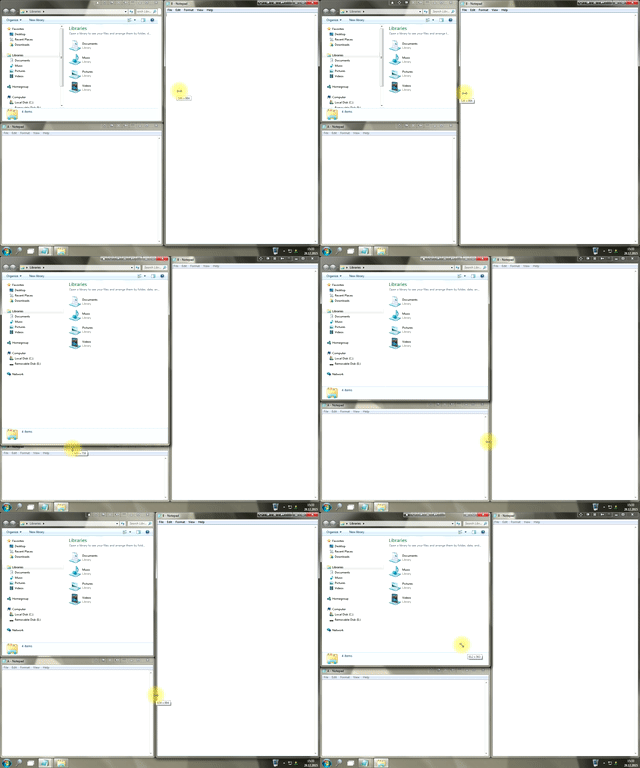
Window Group Sizing and Dragging — Organize Your Workspace Easily
In the desire to own large screens with a high resolution, we buy 4K monitors, connect televisions and projectors to computers, and assemble multi-monitor systems, but we face the problem of effective use of the new display space.
Using Actual Multiple Monitors you can solve this problem in a jiffy.
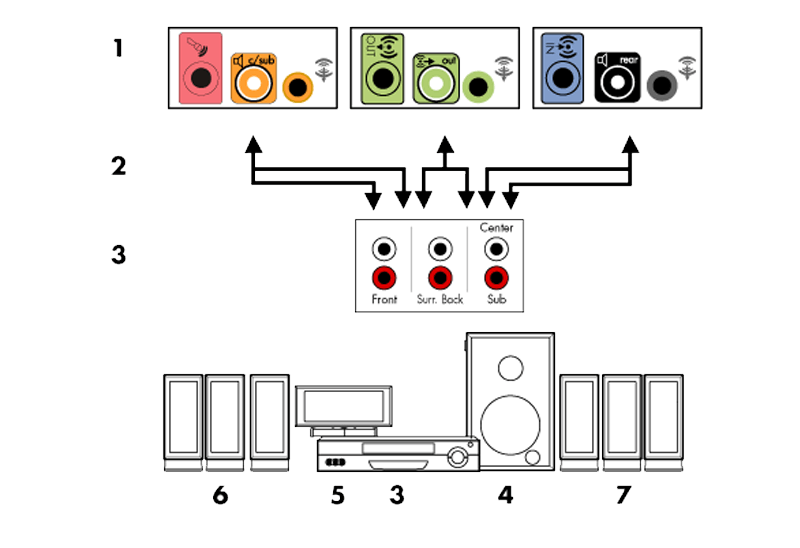
How to Quickly Switch Default Audio Device in Windows
Learn how to switch default audio device in one click by using Actual Window Manager or Actual Multiple Monitors.

Meet the New Slideshow Screen Saver for Multiple Monitors
Actual Tools released the new slideshow screen saver for Actual Multiple Monitors and Actual Window Manager. This screen saver, in contrast to the default one, allows setting its own slideshow for each monitor.
-
Find the best way to minimize Microsoft Outlook to the system tray
When a user works with several applications simultaneously, his/her taskbar is cluttered with windows and it is rather difficult to find a necessary one. Actual Window Minimizer can solve this problem by minimizing Microsoft Outlook windows either to the system tray or to any place on your screen in order to save some precious space in the taskbar.

Minimize Eudora e-mail client into system tray
Eudora is one of the well known and oldest e-mail clients. You can minimize Eudora into system tray or force it to stay on top of other windows with a single mouse click with Actual Title Buttons.
-
How to make your computer work faster
Adjust finely the priority of your programs with Actual Tools software.
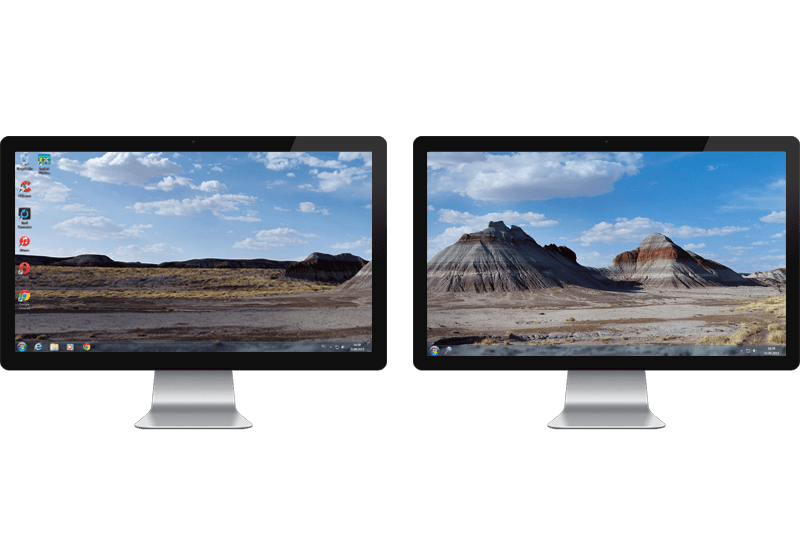
Windows 7 Dual Monitor Taskbar: How to Extend Windows 7 Taskbar to a Second Monitor
Get the fully featured Windows 7 Taskbar on a second monitor with Actual Multiple Monitors.
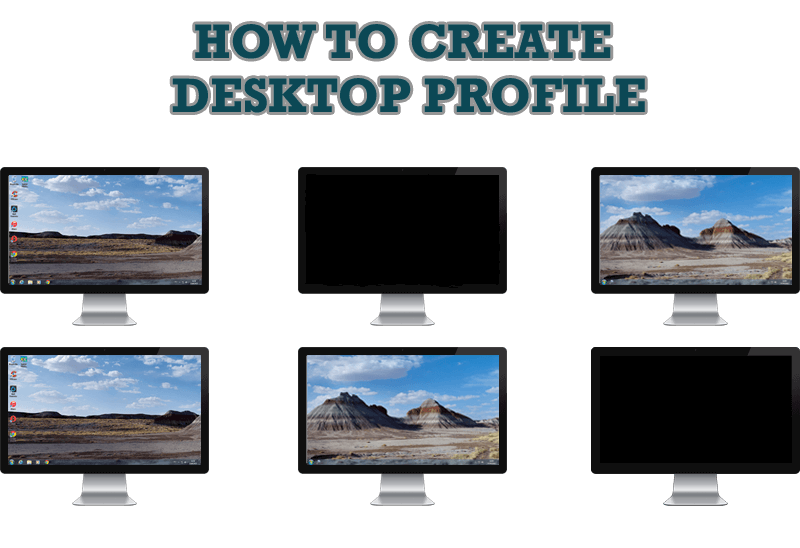
How to Creare a Desktop Profile for Multiple Monitor Desktop
Learn how to create a desktop profile for multiple monitor desktop for quick switching between settings.

Independent Virtual Desktops on Multiple Monitors
Learn how to create and manage virtual desktops independently on each monitor in a multiple display environment.
