
|
|
Select Rule Dialog
The Select Rule dialog is a special dialog window that displays the list of currently available specific window rules and allows selecting one of them as a context for some operation (for example, the Copy Settings from... command).
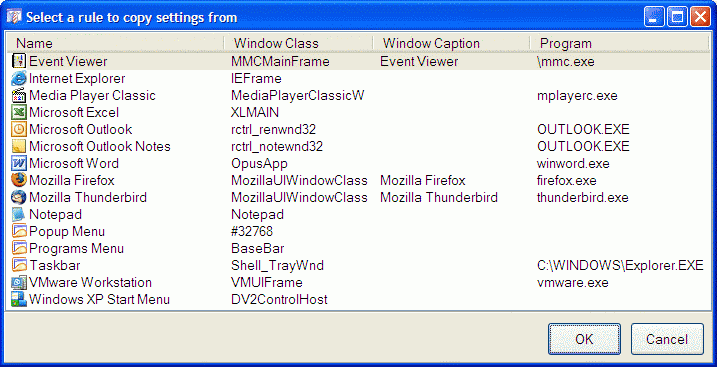
If you click the OK button then the rule that currently selected in the list will become a context, the Select Rule dialog will be closed, and the operation will proceed further. If you close the dialog in any other way - by clicking its standard Close title button, or clicking the Cancel button, or pressing the <Alt+F4> key combination - the operation will be cancelled.
